
Surface Productivity Tools
This app is a set of tools that have been created over time allowing for time savings in various tasks dealing with Autodesk® Civil 3D® Surfaces and Profiles.
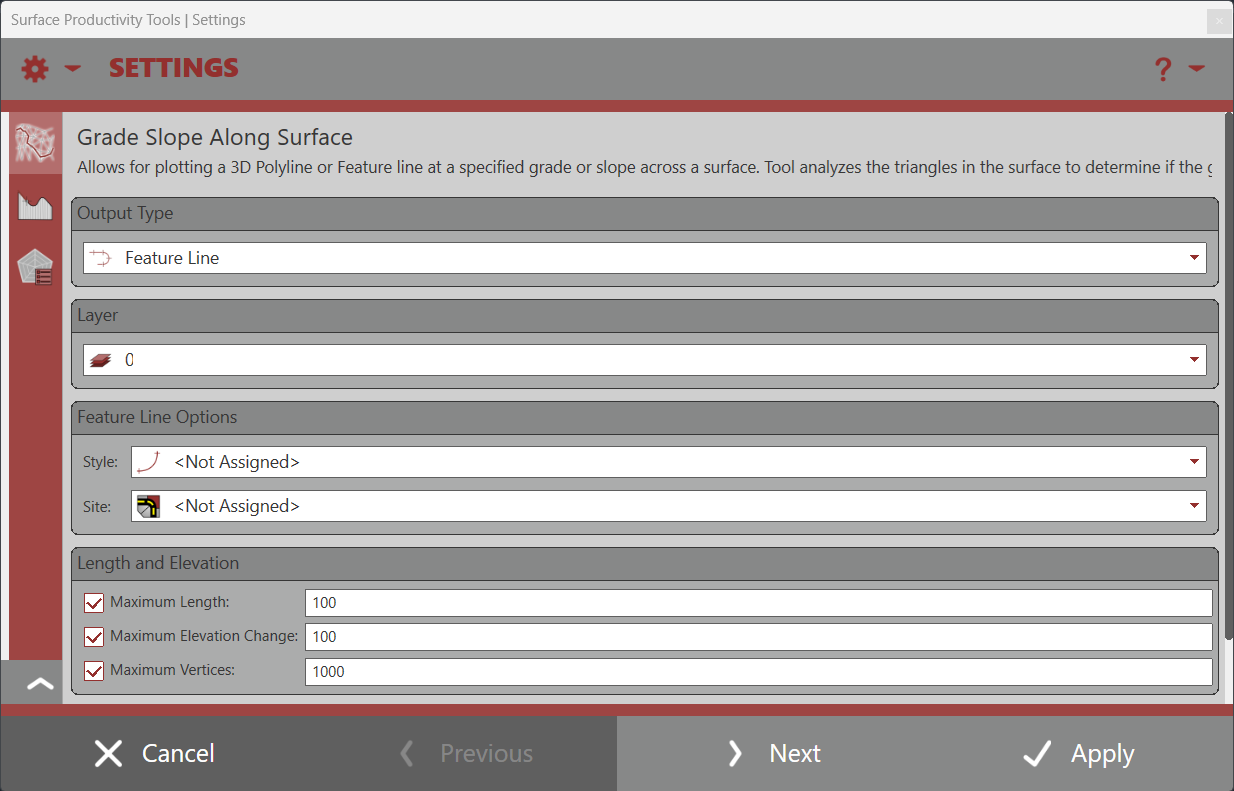
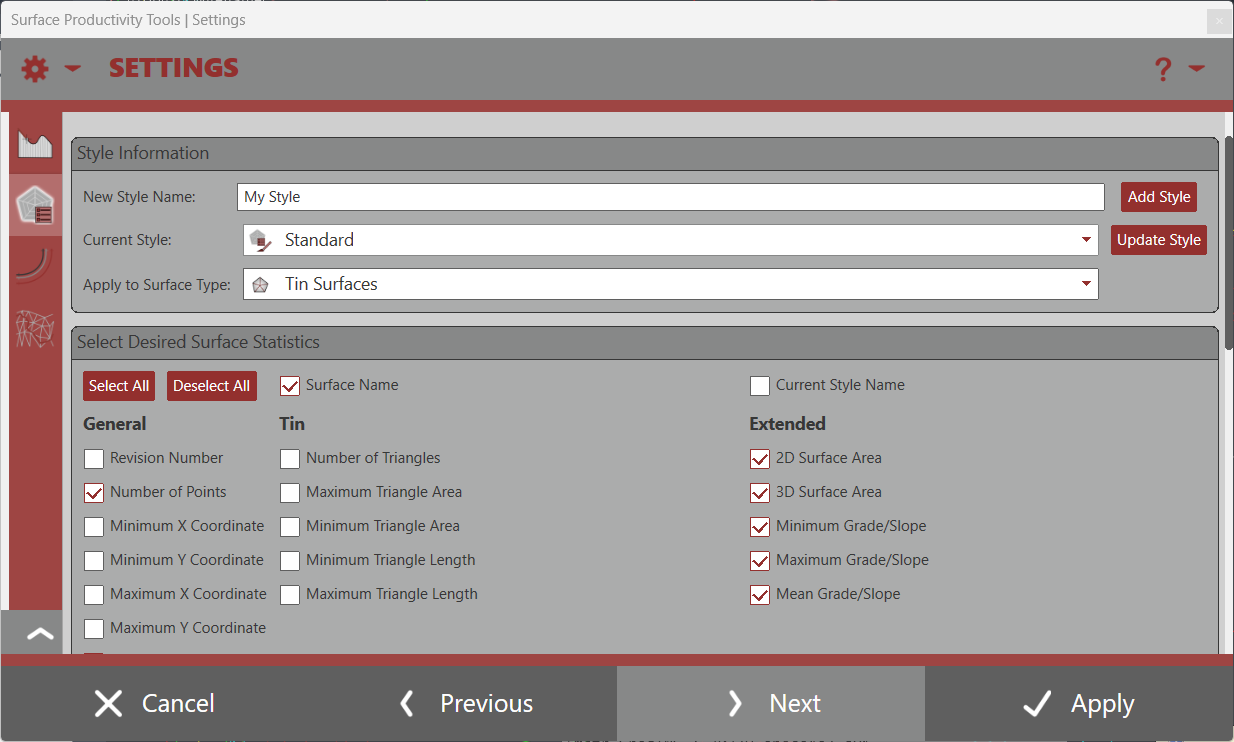
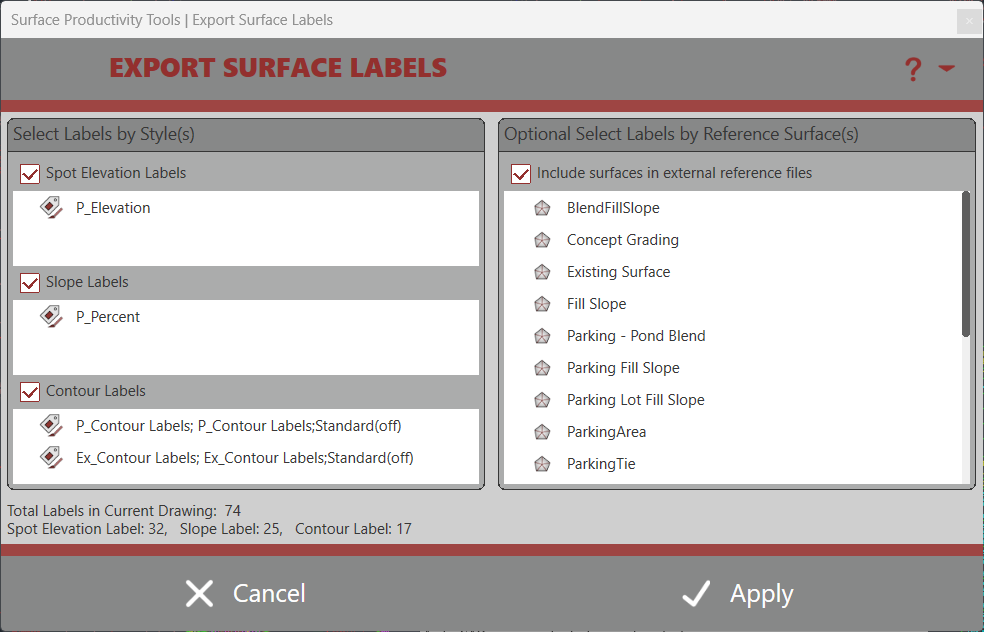
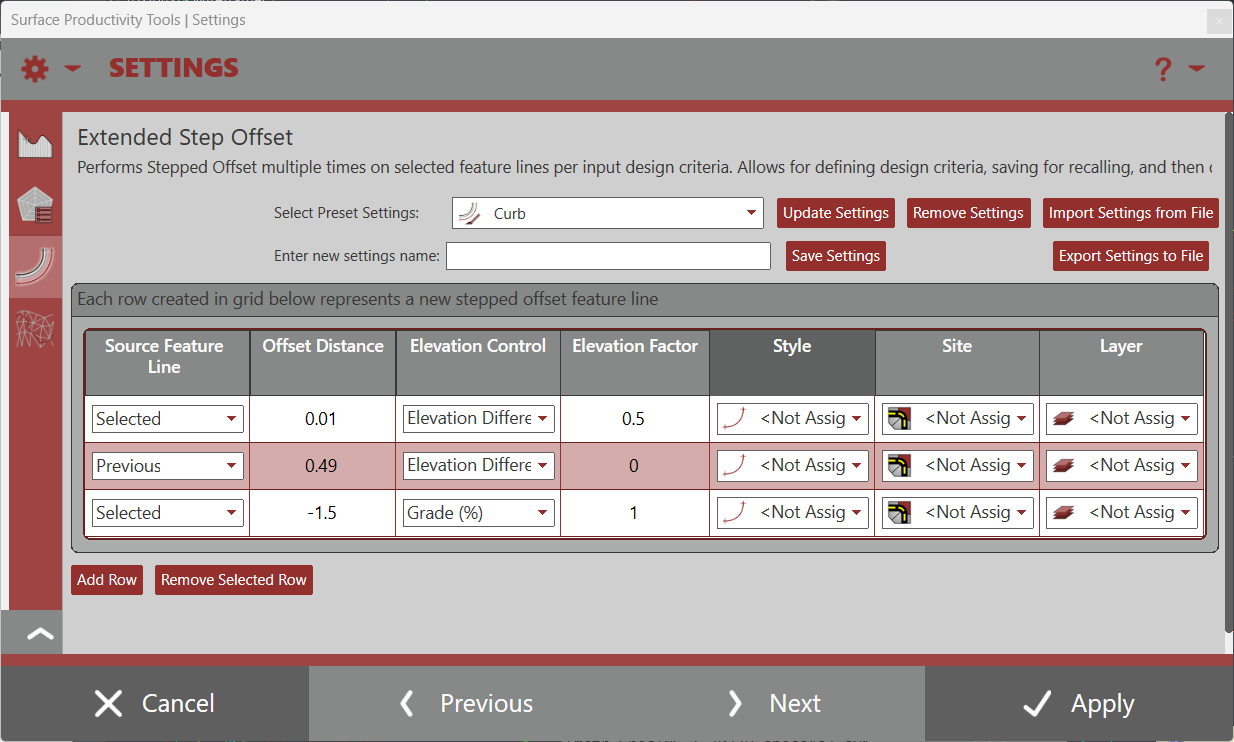
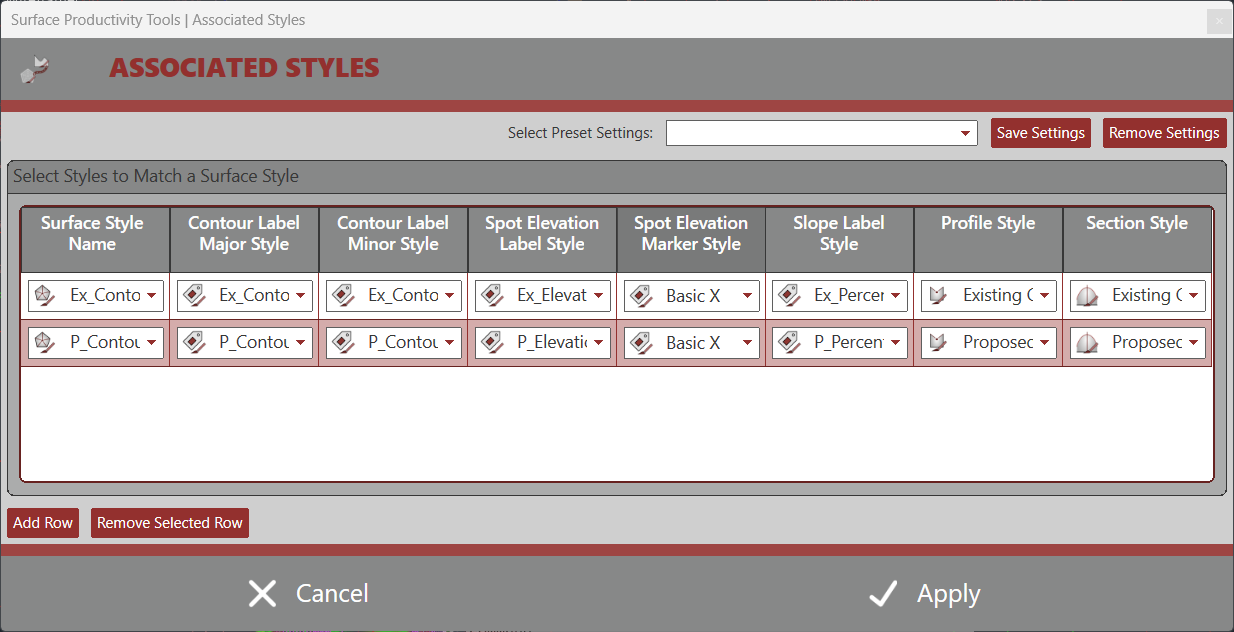
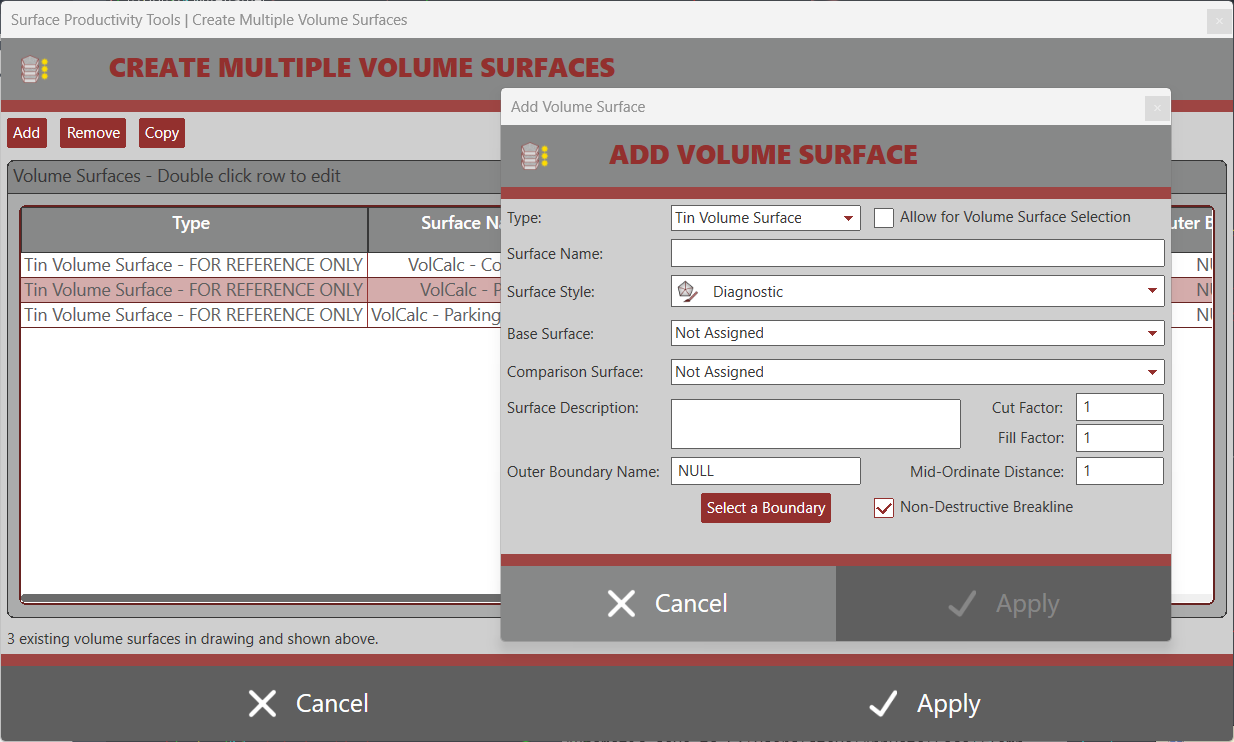
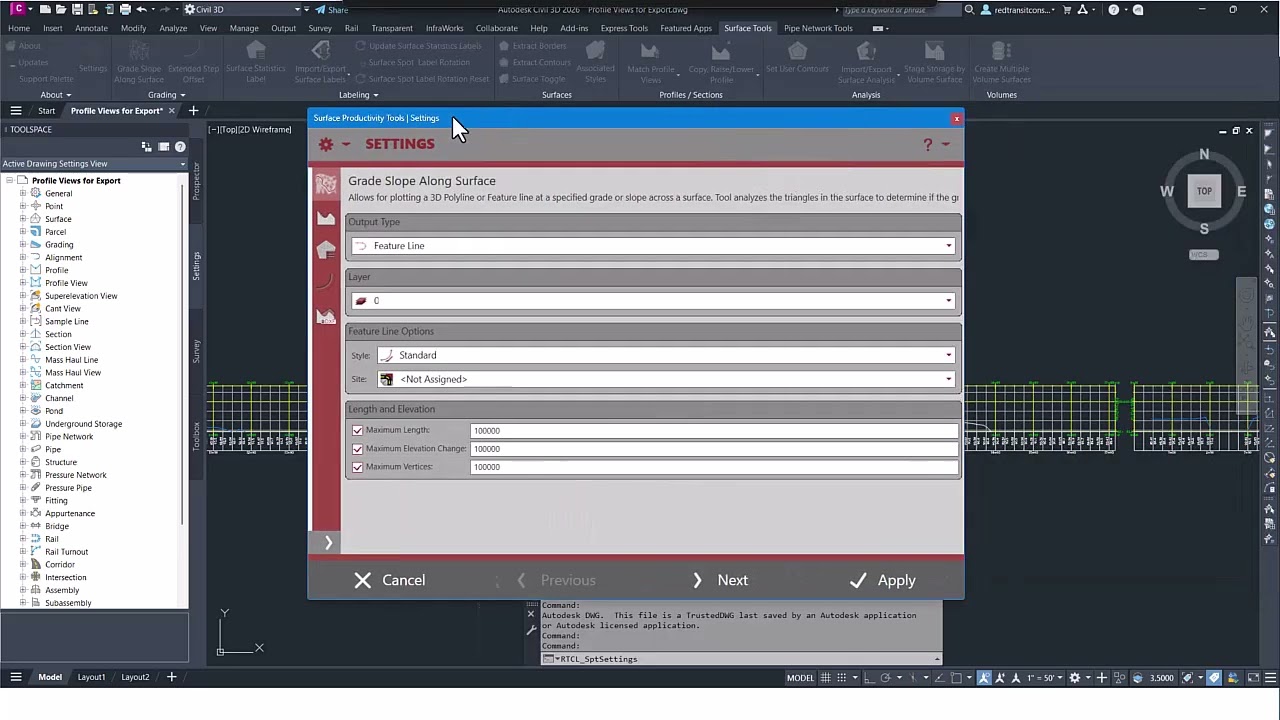
Popular tools sold separately such as Grade Slope Along Surface, Import/Export Surface Labels, and Import Export Surface Analysis are included in this suite. Additionally, new tools for Surface/Profile productivity are provided such as, Extended Step Offset for Feature Lines, Surface Statistics Label, Extract Surface Border, Extract Surface Contours, Surface Associated Styles, Match Profile Views, Replicate Profile Views, Copy, Raise/Lower Profile, Trace Profile with Polyline, and ability to Create Multiple Volume Surfaces at once.
QUESTIONS?
Use the Support button to the left side of the page to reach out to our team with questions.
If you’d like a trial, you can request one there as well.
Subscription Options
For either Standalone or Network Licensing
Existing Customers: If you are an existing customer, please do not purchase through these links. Use the license portal to purchase additional licenses or add additional products.
View on Autodesk App Store
List of Commands within the suite
- Grading Panel
- Grade Slope Along Surface
- Extended Step Offset
- Labeling Panel
- Surface Statistics Label
- Update Surface Statistics Label
- Import Export Surface Labels
- Surface Spot Label Rotation
- Surface Spot Label Rotation Reset
- Surfaces
- Extract Borders
- Extract Contours
- Surface Toggle
- Associated Styles
- Profiles / Sections
- Match Profile Views
- Replicate Profile Views
- Export Profile Views to DXF
- Copy Raise/Lower Profile
- Trace Profile/Section with Polyline
- Draw Plan Line from Profile View
- Analysis
- Set User Contours
- Import/Export Surface Analysis
- Export Contour Analysis
- Export Directional Analysis
- Export Elevation Analysis
- Export Slope Analysis
- Export Slope Arrow Analysis
- Export User Contour Analysis
- Import Contour Analysis
- Import Directional Analysis
- Import Elevation Analysis
- Import Slope Analysis
- Import Slope Arrow Analysis
- Import User Contour Analysis
- Invert Analysis File
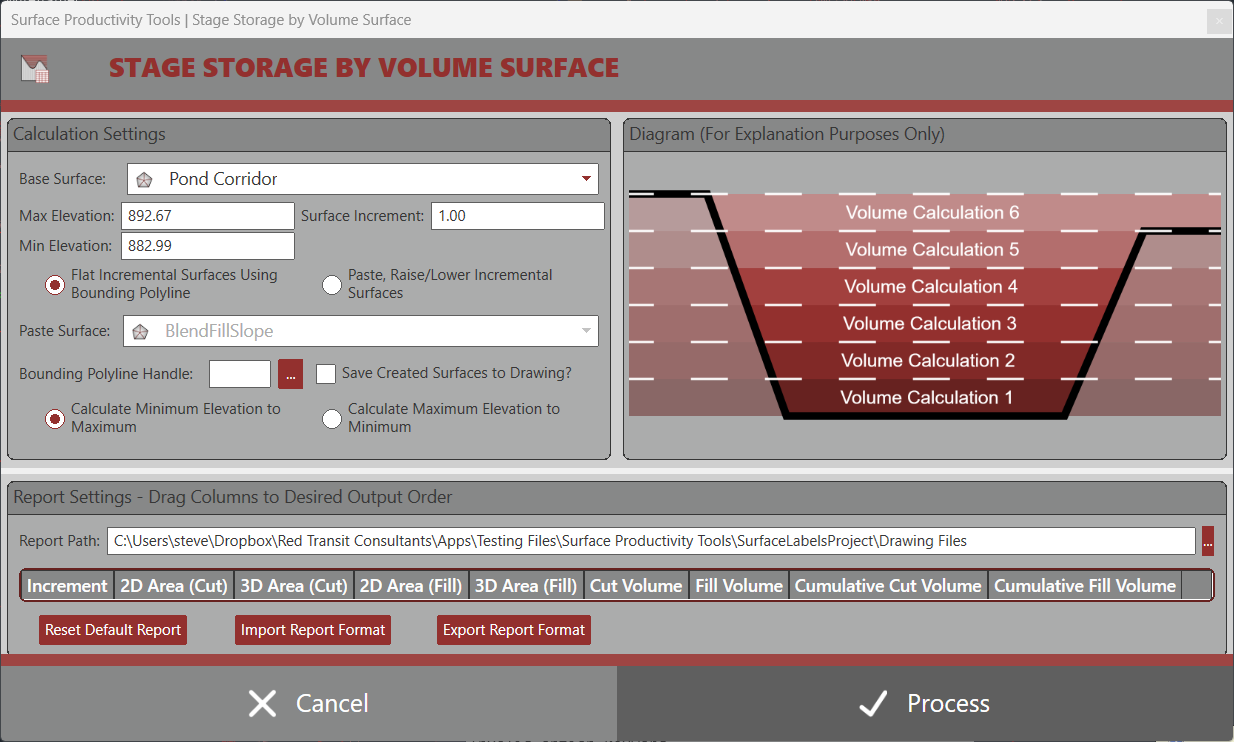
- Stage Storage by Volume Surface
- Volumes
- Create Multiple Volume Surfaces


- Civil 3D 2013 - 2021
- Windows with .NET Framework 4.7.2
- Civil 3D 2022 - 2024
- Windows with .NET Framework 4.8
- Civil 3D 2025 - 2026
- Windows with .NET 8.0
- Civil 3D 2027
- Windows with .NET 10.0
This product utilizes Flexera Licensing as it's core licensing mechanism. Licenses are offered in either Standalone or Network options for the same price. For our customers, we do offer a licensing portal for managing licenses.
Standalone Licensing: Licenses are locked to a given computer using it's MAC / Physical Address. Click here for more information.
Network Licensing: Requires a physical server with an installation of either our Network License Manager or Autodesk's Network License Manager + Red Transit Vendor Daemon. Physical server must be within customer's network of computers and both the licenses and the server are managed by the customer. Client computers with Civil 3D and the product installed will need access to the physical server and necessary ports to obtain licenses from the Network License Manager. Click here for more information.
FAQs for Product
FAQs for Licensing and Purchasing
Surface Productivity Tools [v4.0.0.1] - Export Profile View to DXF