

Pipe Network Productivity Tools
This set of productivity tools contains an array of time saving tools for repetitive tasks with Pipe Networks.
They provide increased productivity to the following Pipe Network tasks: Swapping Parts, Adjusting Pipe Elevations, Creating and Managing Service Connections, Modifying Part References/Descriptions/Styles/Rules/Materials, Labeling Pipe Crossings, Labeling Pipe Elevations at any Point Along Pipe, Renaming Parts, Gathering Quantities, Daylighting Pipe at Surface, and more.
Where applicable, all of the tools allow for handling multiple objects with four selection methods: Network, Multiple, Alignment and Path. Network collects all parts inside a selected Pipe Network, Multiple allows the user to select multiple parts on screen, Alignment allows for selecting multiple Alignments and Networks and finds parts within a defined swath along the selected Alignments, and path allows the user to select a start pipe/structure and an end pipe/structure and return all parts in between along the shortest path through the network.
Many of these easy to use tools also provide selection capabilities from plan and profile views. Any experienced user of Pipe Networks will immediately recognize the benefits these tools provide.
QUESTIONS?
Use the Support button to the left side of the page to reach out to our team with questions.
If you’d like a trial, you can request one there as well.
Subscription Options
For either Standalone or Network Licensing
Existing Customers: If you are an existing customer, please do not purchase through these links. Use the license portal to purchase additional licenses or add additional products.
View on Autodesk App Store
All tools within the suite utilize multiple part selection methods with the ability to filter the selection of parts further after selection.
- Selection Methods:
- All Networks
- Networks
- Path
- Uses a start part and an end part and finds the parts in between
- Alignment
- Allows for selecting multiple alignments
- Define swadth (offsets from Left/Right/Start/End of alignment)
- Selection Filters:
- Structures
- PartSize Name
- Description
- Structure Connected Pipe Sizes
- Pipe
- PartsSize Name
- Description
- Structures
List of Commands within the suite
- Selection Panel
- Part Selection Helper
- Quantities
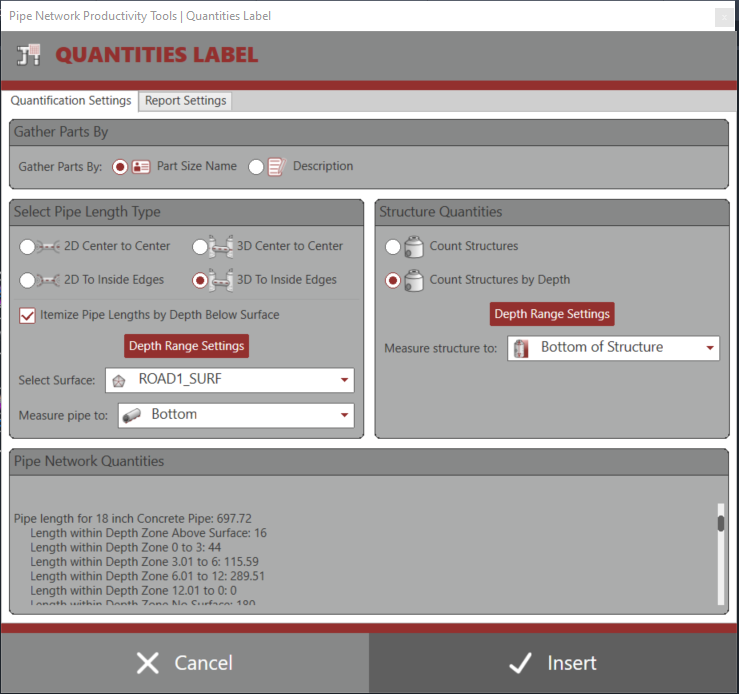
- Quantities Label
- Precast Barrel Quantities (2024-2027 only)
- Create from Parts
- Feature Line from Pipes
- Create Profile from Pipes
- Modify Parts
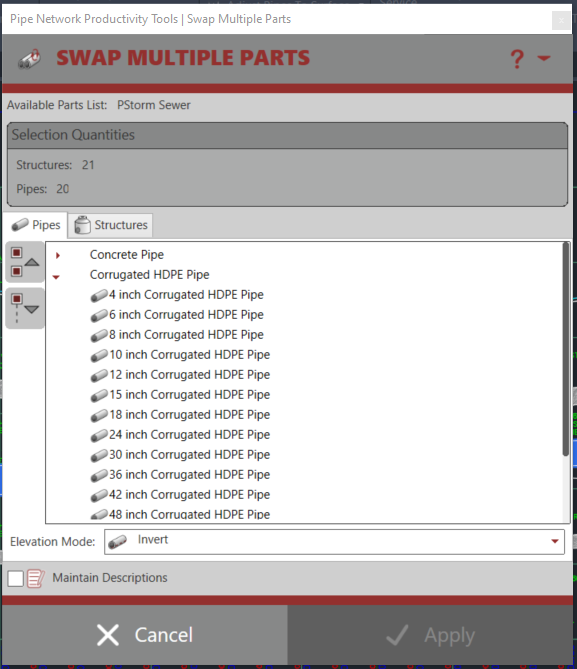
- Swap Multiple Parts
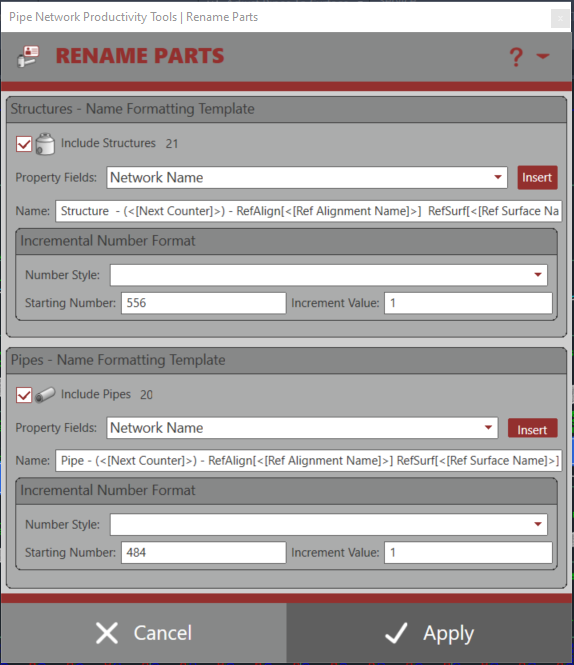
- Rename Parts
- Modify Part Descriptions
- Match Part Descriptions
- Modify Part References
- Modify Part Styles, Rules, and Materials
- Switch Pipe Start/End Coordinates
- Hydraulic Properties from CSV
- Structures
- Set Rim Elevations
- Pipe Depth from Rim
- Adjust Pipe Elevations
- Structure Detail Report
- Set Sump Depths
- Pipe Elevations
- Slope Across Pipes
- Pipe Slope Single
- Pipe Slope Multiple
- Assign Structure Drop Values
- Assign Structure Skips
- Assign Pipe Slope Values
- Extended Settings Manager
- Adjust Pipes to Surface
- Raise/Lower Pipes
- Daylight Pipe to Surface
- Slope Across Pipes
- Services
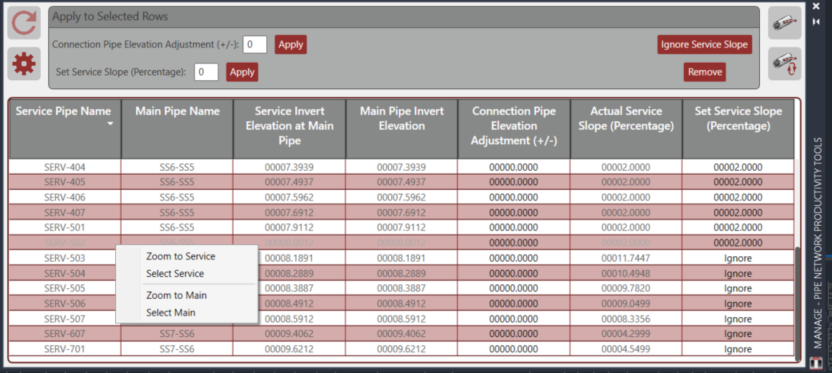
- Service Manager
- Set Service Connections
- Create Services Table
- Update Services and Tables
- Labeling
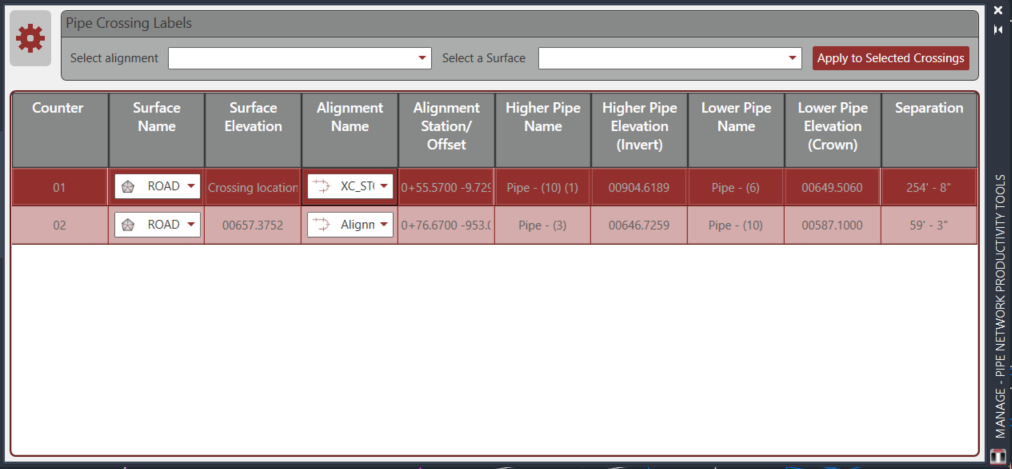
- Crossing Labels with support for both Pipe and Pressure Networks
- Crossing Label Manager
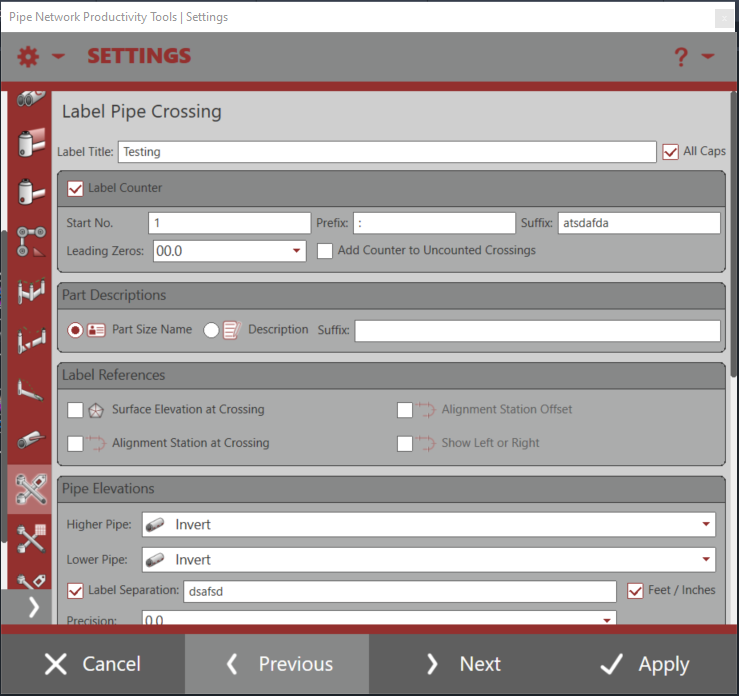
- Label Pipe Crossings
- Update Pipe Crossings
- Renumber Crossings
- Create Crossing Table
- Label Pipe Elevation
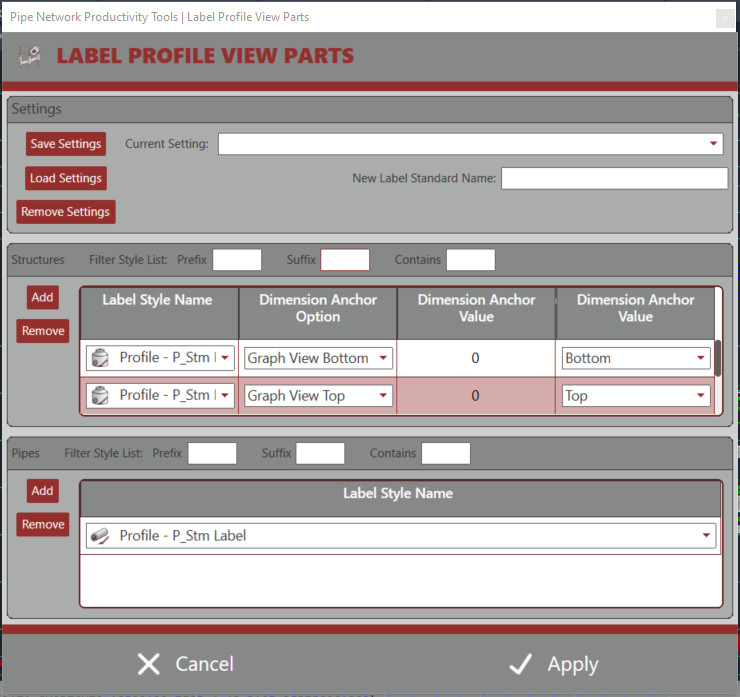
- Label Profile View Parts
- Crossing Labels with support for both Pipe and Pressure Networks
- Profile View
- Draw Parts to Profile View
- Networks
- Merge Networks
- Split Networks

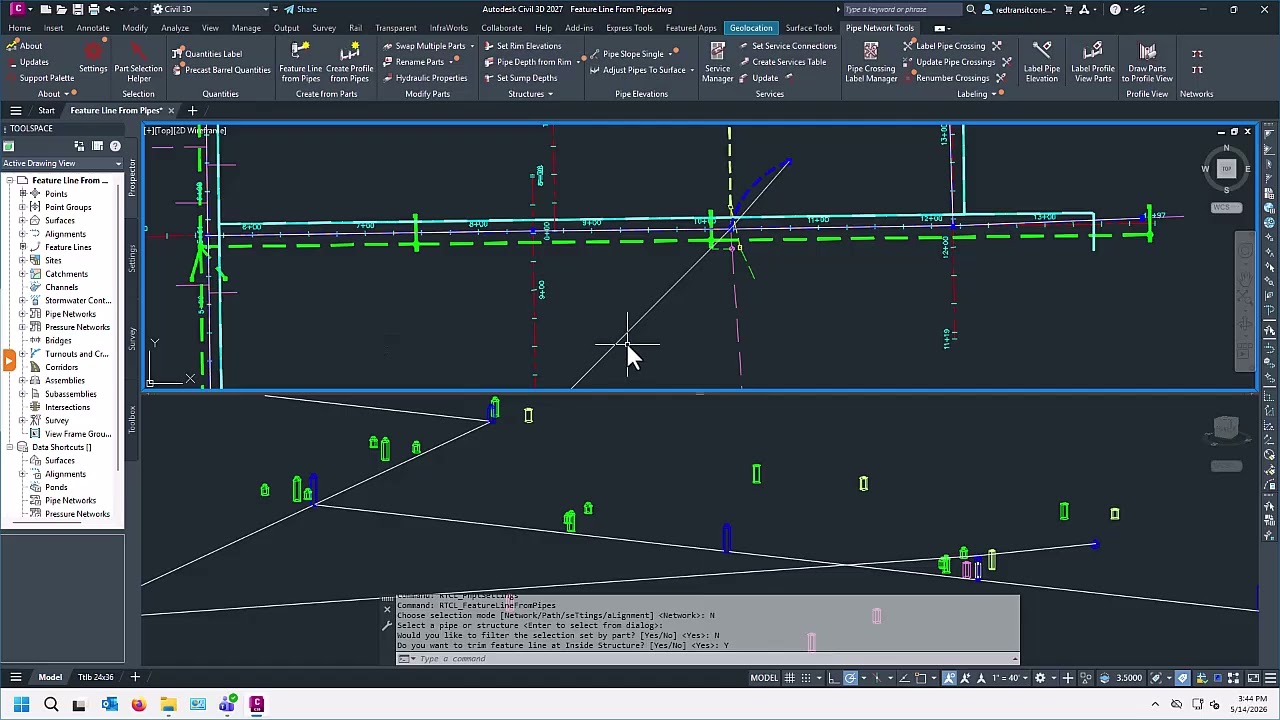

Pipe Network Productivity Tools [v3.0.0.6] - Feature Line from Pipes
Pipe Network Productivity Tools [v3.0.0.6] - Precast Barrel Quantities
Pipe Network Productivity Tools [v3.0.0.6] - Crossing Labels and Tables
Pipe Network Productivity Tools [v3.0.0.6] - Settings Dialog
Pipe Network Productivity Tools [v3.0.0.6] - Standard Selection Options
Pipe Network Productivity Tools [v3.0.0.6] - Structure Detail Report
Pipe Network Productivity Tools [v3.0.0.6] - Network Quantities Label
Pipe Network Productivity Tools [v3.0.0.0] Hype
Pipe Network Productivity Tools [v2.0.0.8] - Service Connections
- Civil 3D 2013 - 2021
- Windows with .NET Framework 4.7.2
- Civil 3D 2022 - 2024
- Windows with .NET Framework 4.8
- Civil 3D 2025 - 2026
- Windows with .NET 8.0
- Civil 3D 2027
- Windows with .NET 10.0
This product utilizes Flexera Licensing as it's core licensing mechanism. Licenses are offered in either Standalone or Network options for the same price. For our customers, we do offer a licensing portal for managing licenses.
Standalone Licensing: Licenses are locked to a given computer using it's MAC / Physical Address. Click here for more information.
Network Licensing: Requires a physical server with an installation of either our Network License Manager or Autodesk's Network License Manager + Red Transit Vendor Daemon. Physical server must be within customer's network of computers and both the licenses and the server are managed by the customer. Client computers with Civil 3D and the product installed will need access to the physical server and necessary ports to obtain licenses from the Network License Manager. Click here for more information.
FAQs for Product
FAQs for Licensing and Purchasing
Pipe Network Productivity Tools [v3.0.0.6] - Feature Line from Pipes