
Slope Across Pipes
This app provides tools for quickly modifying pipe elevations and slopes. The app supports modification of elevations by centerline, crown, or invert while offering a command for single pipes and a command for multiple pipes.
The app supports both circular and non-circular pipe types. The Pipe Slope Single command allows for quickly setting the elevations and slope of a single pipe. The command allows for selecting pipes/structures in plan view or pipes/structures in profile view and offers two modes, by slope and by elevations. With mode by slope, select the pipe in plan or profile view by the desired end of the pipe to modify the invert and apply a slope holding the selected end and invert of the pipe. With mode by elevations, select a pipe in plan or profile view by the desired end, and the app will prompt for elevations for either end of the pipe and set the slope based on those elevations. The command also provides the ability to select another pipe and inherit its elevation to be used in the modified pipe.
The Pipe Slope Multiple commands allows for quickly setting the slope of a number of pipes within a common pipe network and applying pipe drop across each structure. The command allows for selecting pipes/structures in plan view or pipes/structures in profile view and offers two modes, by slope and by elevations. When selecting parts in profile view, the command also provides the ability to extract the selected point elevation from the profile to apply to the pipe network. For both modes, the command does not care if the upstream or downstream end is selected, nor does it care if the start and endpoints of the pipes are in the same configuration throughout.
QUESTIONS?
Use the Support button to the left side of the page to reach out to our team with questions.
If you’d like a trial, you can request one there as well.
Subscription Options
For either Standalone or Network Licensing
Existing Customers: If you are an existing customer, please do not purchase through these links. Use the license portal to purchase additional licenses or add additional products.
View on Autodesk App Store
- Pipe Slope Single
- Pipe Slope Multiple
- Assign Structure Drop Values
- Assign Structure Skips
- Assign Pipe Slope Values
- Extended Settings Manager

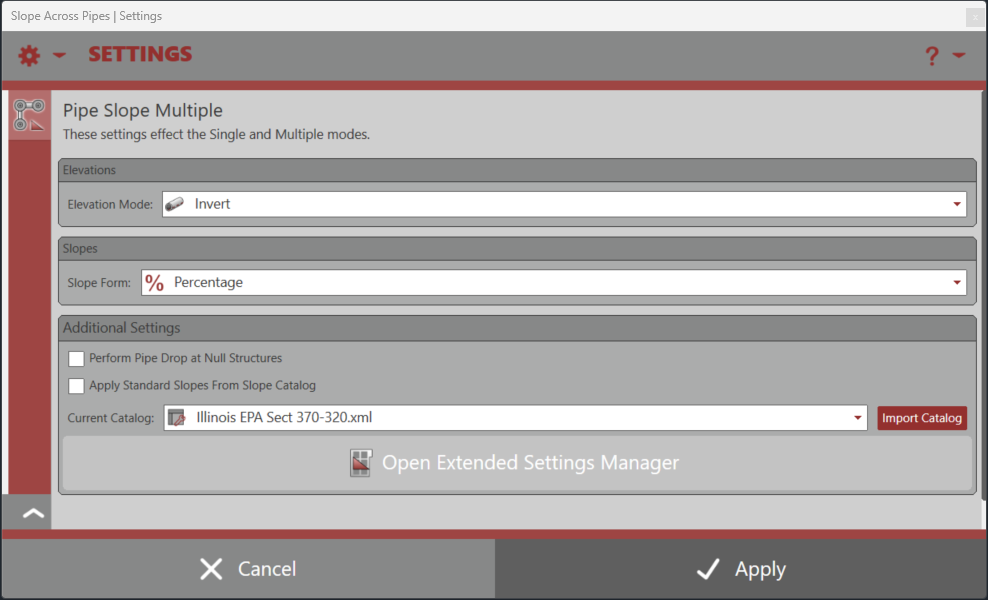
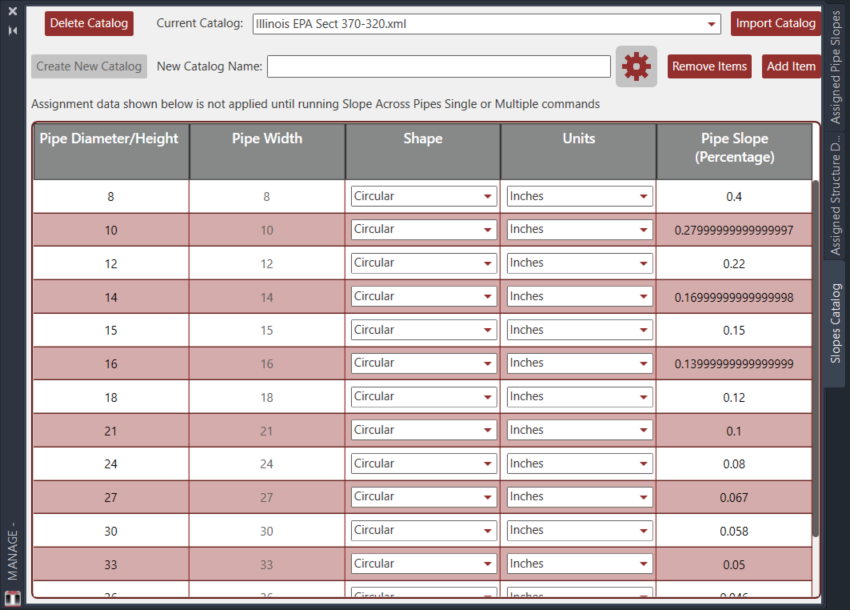
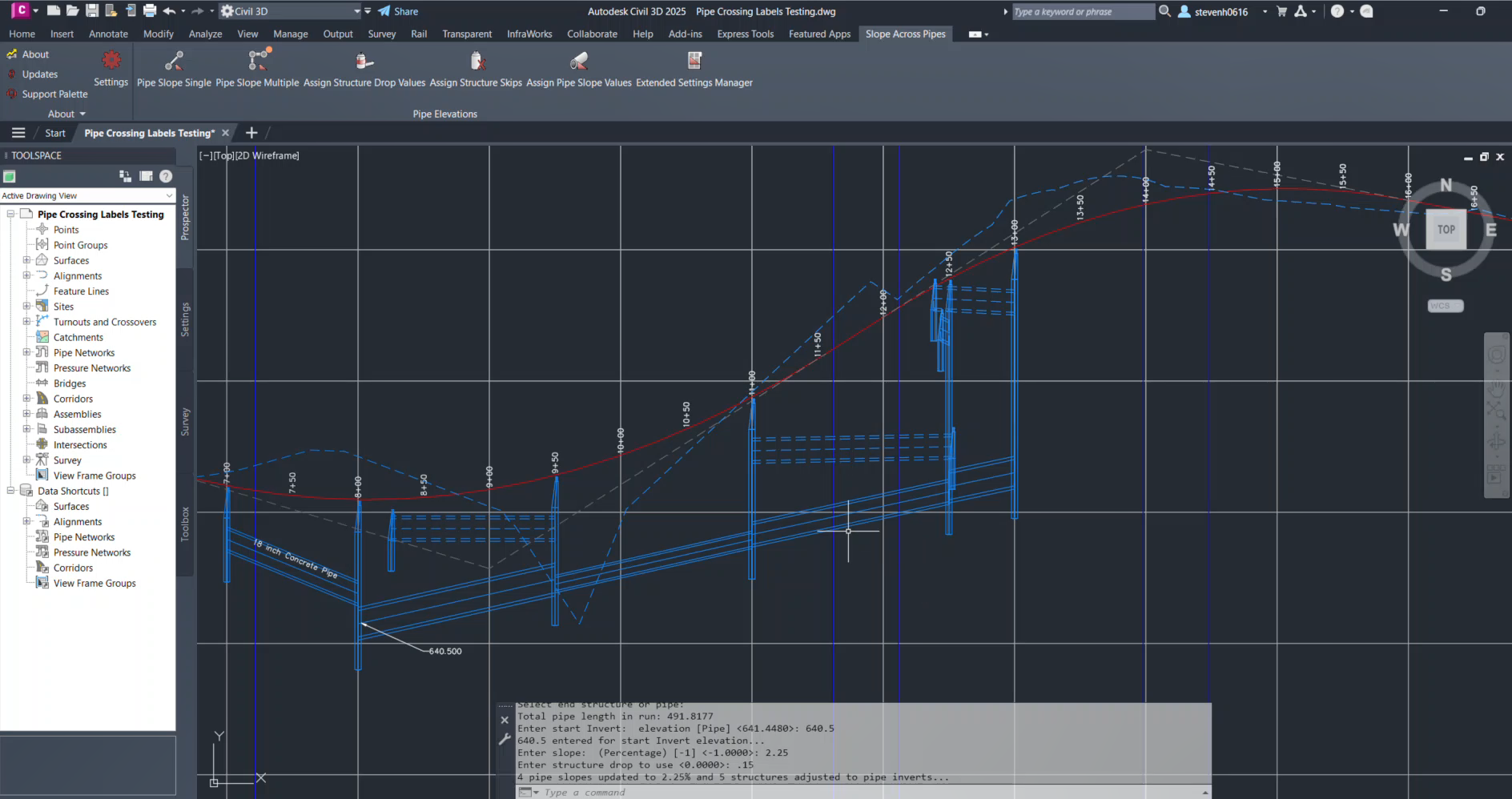


Pipe Network Productivity Tools [v2.0.0.8] - Pipe Slope Multiple
Pipe Network Productivity Tools [v2.0.0.8] - Pipe Slope Single
- Civil 3D 2013 - 2021
- Windows with .NET Framework 4.7.2
- Civil 3D 2022 - 2024
- Windows with .NET Framework 4.8
- Civil 3D 2025 - 2026
- Windows with .NET 8.0
- Civil 3D 2027
- Windows with .NET 10.0
This product utilizes Flexera Licensing as it's core licensing mechanism. Licenses are offered in either Standalone or Network options for the same price. For our customers, we do offer a licensing portal for managing licenses.
Standalone Licensing: Licenses are locked to a given computer using it's MAC / Physical Address. Click here for more information.
Network Licensing: Requires a physical server with an installation of either our Network License Manager or Autodesk's Network License Manager + Red Transit Vendor Daemon. Physical server must be within customer's network of computers and both the licenses and the server are managed by the customer. Client computers with Civil 3D and the product installed will need access to the physical server and necessary ports to obtain licenses from the Network License Manager. Click here for more information.
FAQs for Product
FAQs for Licensing and Purchasing
Pipe Network Productivity Tools [v2.0.0.8] - Pipe Slope Multiple